
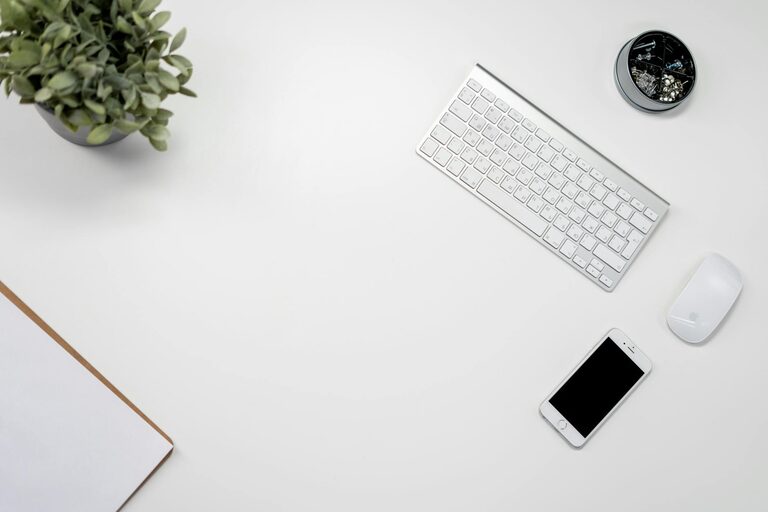
Keeping your electronic devices clean is important not only for their performance but also for your health. Phones and keyboards, in particular, can accumulate dust, oils, and germs from frequent use. However, because these devices are sensitive, cleaning them requires some care. In this post, we will guide you through safe and effective ways to clean your phone and keyboard to keep them looking great and working smoothly.
Why It’s Important to Clean Your Phone and Keyboard
Phones and keyboards are constantly touched surfaces, making them hotspots for dirt and bacteria. Over time, dust and debris can affect the functioning of keys or ports, and accumulated grime can even degrade screen sensitivity. Regular cleaning helps:
– Maintain hygiene by reducing germs.
– Improve device performance.
– Extend your device’s lifespan.
– Enhance appearance.
Now, let’s look at how to clean these devices safely.
General Tips Before Cleaning
Before starting, keep these general cleaning tips in mind:
– Power Off: Turn off your devices and unplug keyboards before cleaning.
– Avoid Excess Moisture: Excess water or cleaning solutions can damage electronics. Use liquids sparingly.
– Use Soft Materials: Employ microfiber cloths or cotton swabs to prevent scratches.
– Avoid Harsh Chemicals: Don’t use bleach, ammonia, or abrasive cleaners.
– Refer to Manufacturer Guidelines: Some devices have specific cleaning recommendations.
How to Clean Your Phone Safely
Phones can be delicate, with sensitive screens and openings like charging ports and speakers. Here’s a step-by-step method:
Materials You’ll Need
– Microfiber cloth
– 70% isopropyl alcohol solution (or phone-safe disinfectant wipes)
– Cotton swabs
– Soft brush or compressed air (optional)
Step-by-Step Cleaning Process
- **Power off your phone:** This protects the device during cleaning.
- **Remove the case:** Clean the case separately as it can hold dirt.
- **Wipe the screen and body:** Lightly dampen a microfiber cloth with the isopropyl alcohol or use a disinfectant wipe. Gently wipe the screen and back of the phone.
- **Clean around buttons and ports:** Use a dry cotton swab or a soft brush to clean tight spaces without pushing debris further inside.
- **Dry your phone:** Use a dry microfiber cloth to remove any remaining moisture.
- **Clean the phone case:** Wash silicone or plastic cases with soap and water. For leather cases, follow specific care instructions.
- **Replace the case and power on:** After all parts are dry, reassemble and turn your phone back on.
Additional Tips
– Clean your phone at least once a day if you use it frequently.
– Avoid using glass cleaner or household sprays.
– Using screen protectors can make cleaning easier and protect from scratches.
How to Clean Your Keyboard Safely
Keyboards trap dust, crumbs, and oils from your fingers. Both mechanical and membrane keyboards benefit from regular cleaning.
Materials You’ll Need
– Compressed air can or soft brush
– Microfiber cloth
– Mild soap solution
– Cotton swabs
– Isopropyl alcohol (optional)
Step-by-Step Cleaning Process
- **Unplug the keyboard:** Disconnect from your computer or remove batteries.
- **Shake out debris:** Turn the keyboard upside down and gently shake or tap to remove loose particles.
- **Use compressed air:** Blow air between keys to remove dust and crumbs. If you don’t have compressed air, a soft brush works well.
- **Wipe the surface:** Lightly dampen a microfiber cloth with a mild soap solution or isopropyl alcohol and wipe over the keys and surface.
- **Clean around keys:** Dip a cotton swab in alcohol or soap solution and clean edges and spaces between keys.
- **For deep cleaning (optional):** Some keyboards allow keycaps to be removed. If your keyboard supports this, carefully remove the keycaps and wash them in soapy water. Be sure to dry thoroughly before reassembling.
- **Dry completely:** Let the keyboard air dry before plugging back in.
Additional Tips
– Avoid eating over your keyboard to minimize debris.
– Clean your keyboard regularly—at least once every few weeks.
– Handle keycap removal carefully to avoid damage.
Conclusion
Regular cleaning of your phone and keyboard helps maintain hygiene and device function. Using gentle materials, avoiding excess moisture, and following the right steps ensures safe and effective cleaning. By making cleaning a routine, you’ll enjoy better performance and a more pleasant user experience.
Feel free to share your own cleaning tips or questions in the comments below!